Connect GitHub and choose repositories
Connect GitHub on the Integrations page and choose the repositories SaysHere reads. Each file it reads becomes a document in your workspace's library.
On this page
What you need. A GitHub account that can install apps on the repositories, or an organization owner who installs the app for you. In a team, its Owner or an Admin connects GitHub.
Connect GitHub
- 1
Open Integrations and press Connect GitHub on GitHub's row, or Connect another GitHub account once the workspace links one.
In your own workspace, GitHub opens at once. In a team, choose For the whole team, or For one project and the project under Choose a project, then press Continue to GitHub.
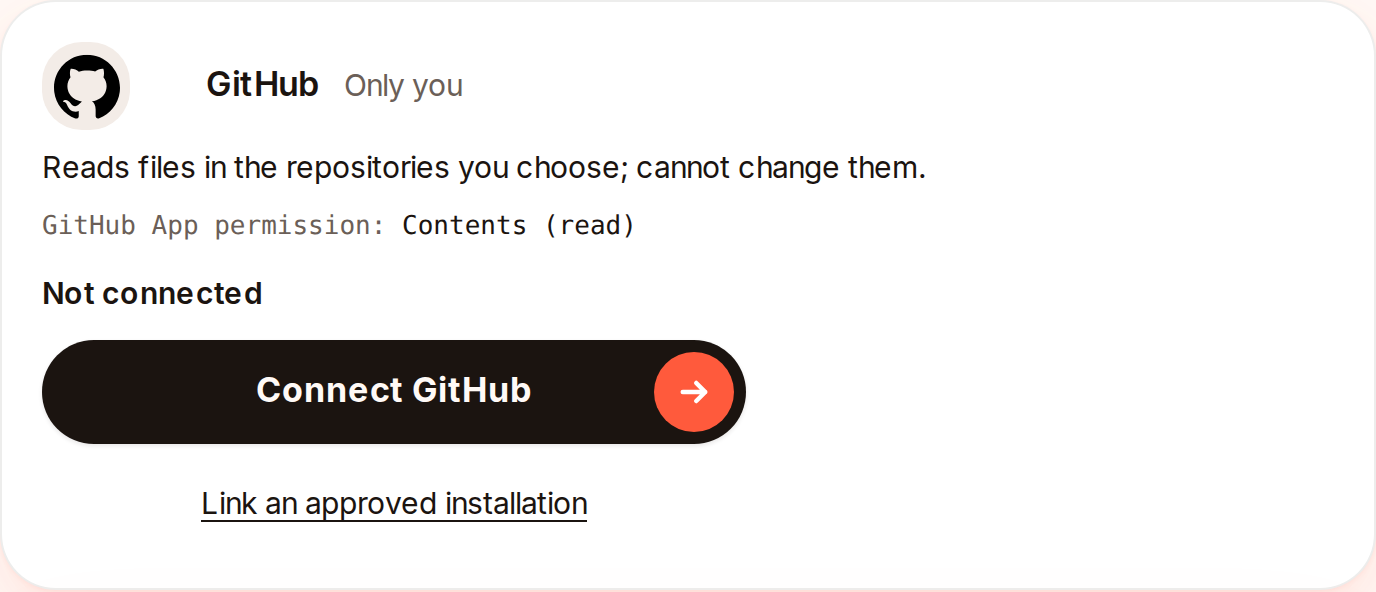
GitHub's row in your own workspace before you connect it.Captured from the app on 4 November 2026. - 2
On GitHub, choose the account to install the SaysHere app on and the repositories it may read, then install it. If GitHub asks you to authorize SaysHere, accept.
GitHub sends you back to Integrations, which says "GitHub is connected. Choose the repositories SaysHere reads."
- 3
Press Choose repositories under the link, check up to 20 and press Save repositories.
SaysHere reads each one you chose. Its line on the row says Reading, then Ready.
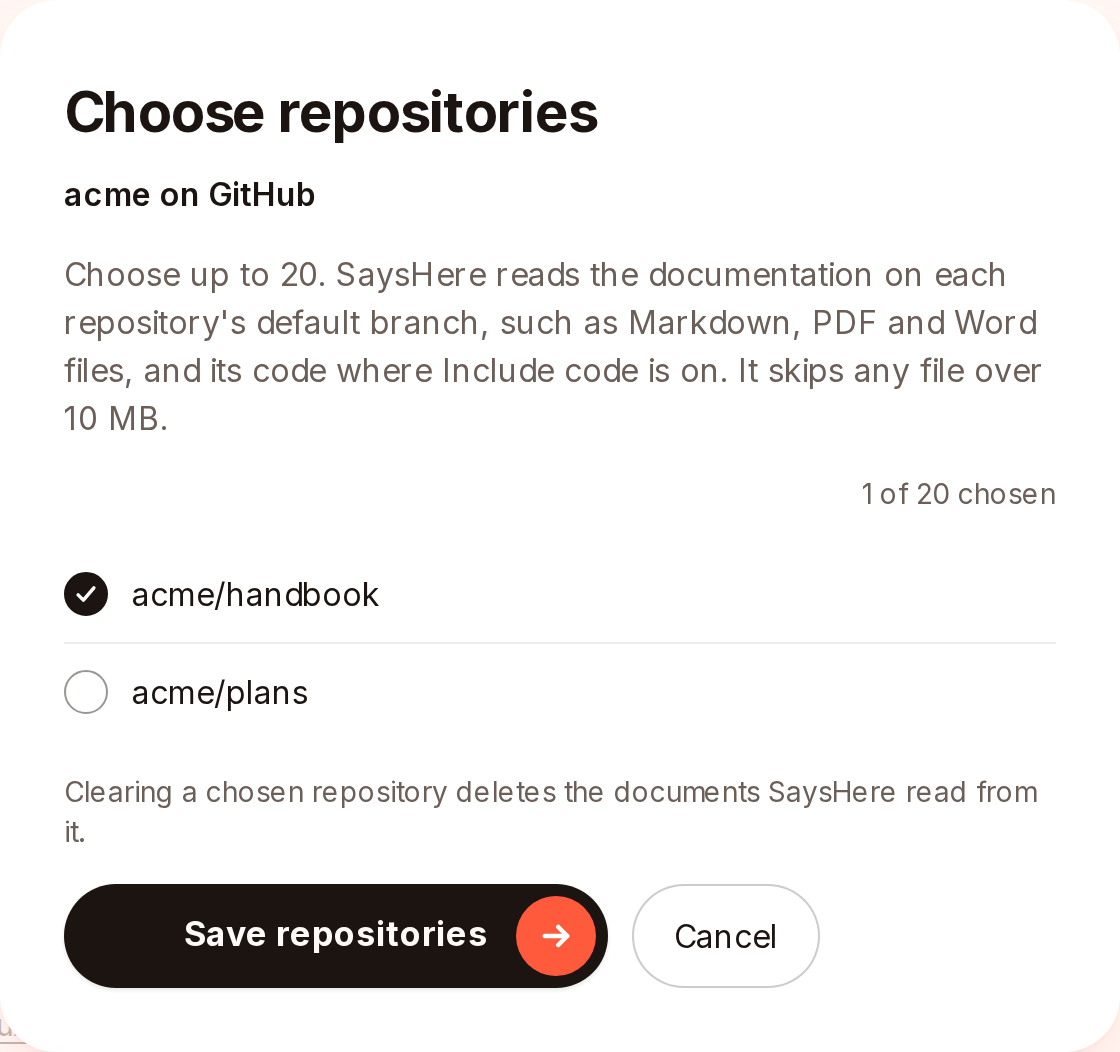
Choose repositories, with one repository checked.Captured from the app on 4 November 2026.
When GitHub sends a request to an organization's owners
If your GitHub account cannot install apps on an organization's repositories, GitHub sends your install to the organization's owners as a request, and Integrations says "GitHub sent your request to the organization's owners. Once one approves it, link the installation here." Once an owner approves it, press Link an approved installation on GitHub's row and allow SaysHere on GitHub. SaysHere links each installation your GitHub account can reach that this workspace does not link yet.
What SaysHere reads
The app can read the contents of the repositories it is installed on and cannot change them. SaysHere reads the documentation on each chosen repository's default branch, such as Markdown, PDF and Word files. It reads Markdown, text, reStructuredText, PDF and Word (.docx) files, up to 2,000 in a repository, and leaves HTML files out. It skips any file over 10 MB, and folders such as node_modules, vendor, dist and build. Each file's text becomes a document in the workspace's library, under the file's path, with its address on GitHub. It never reads issues or pull requests. When GitHub tells SaysHere of a push, it reads the files that changed, and once a day it checks for changes it was not told of.
A repository's line
Each chosen repository's line on GitHub's row says how its read stands. It says Reading while SaysHere reads it, then Ready. Left out: 2 files counts the files SaysHere could not add, such as scanned PDFs, and the files it left out once the workspace reached a limit, with the reason under it. Too large to read means the repository has more folders and files than SaysHere can list. Could not be read is tried again after the repository's next push. Removed on GitHub means the repository was taken off the app there.
Include code
Include code is off on a new link. If someone who may connect sources turns on Include code, for the link or for one repository, SaysHere also reads the source files of the repositories it covers, in common programming languages. It leaves out code a tool wrote, such as minified scripts. Turning Include code off deletes the documents read from source files it no longer covers. Set code for each repository gives one repository a setting of its own.
- 1
Turn on Include code on the link, then press Include code in the question.
SaysHere reads again each chosen repository that follows the link's setting, to add its source files. Each code file becomes a document, counted toward your workspace's 200 documents and your plan's limit of text.
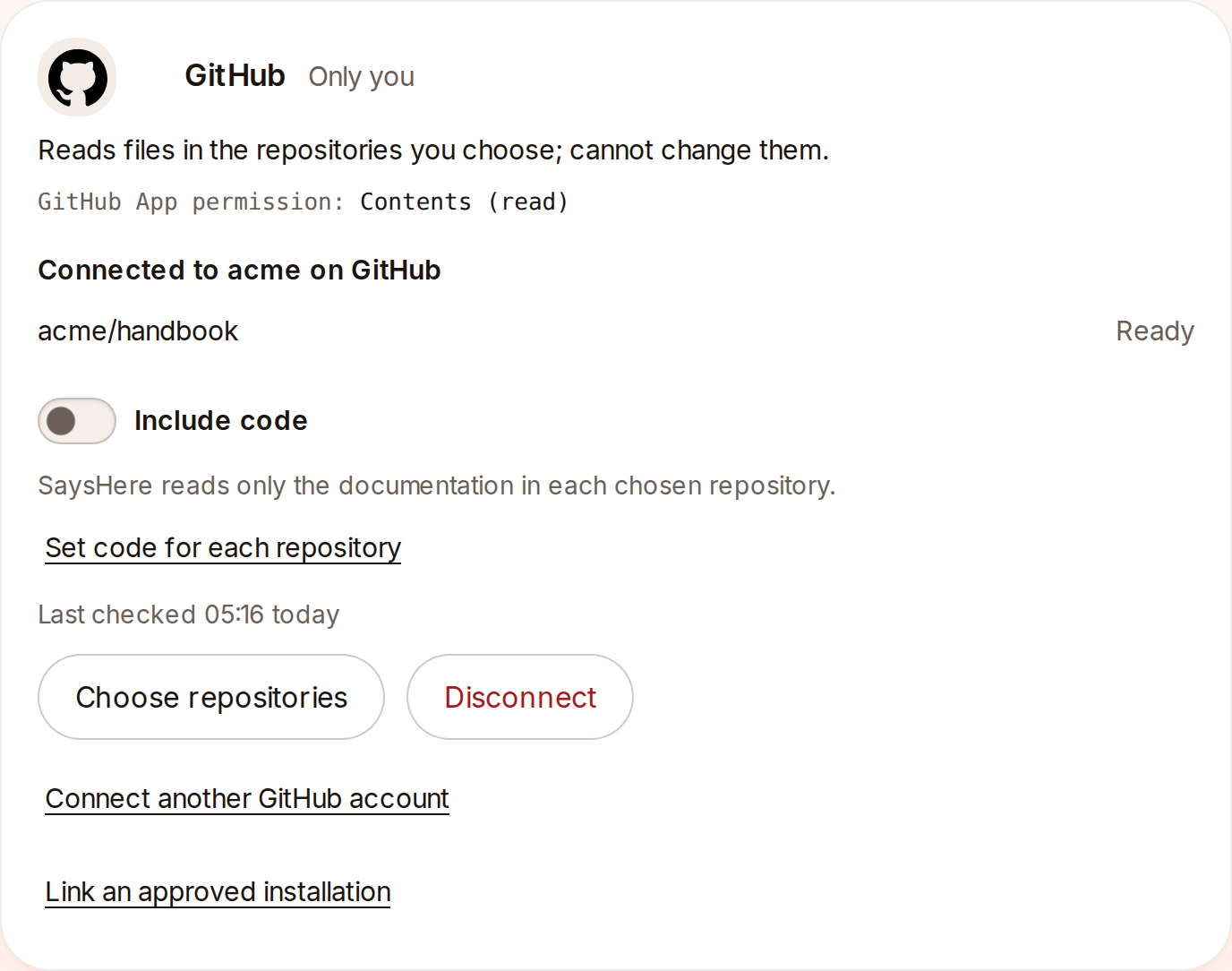
A link with its repository read and Include code off.Captured from the app on 4 November 2026.
Who connects and who reads
In your own workspace, you connect GitHub. In your own workspace only you can open the documents. In a team, its Owner and Admins connect GitHub, and a Member sees a line asking them to. In a team, the person who links GitHub chooses whether its documents go to the whole team or to one project, and the people who can see that place can open them. That choice also covers each later version SaysHere reads. For the whole team files them in a new project named for the GitHub account. A link shows on GitHub's row only to the people who can see its project.
Repositories added later
Changing the installation on GitHub brings you back to Integrations. GitHub tells SaysHere when repositories are added to the installation. The next time Integrations opens after that, the link says "More repositories were added on GitHub." The person who connected the link presses Check my access to list them in Choose repositories. Anyone else sees a line saying that only that person can add them. Uninstalling the app on GitHub, or removing a repository from it there, deletes what SaysHere read from it.
One trip to GitHub at a time
Finish one trip to GitHub before you start another in the same browser. If you start a second before the first comes back to Integrations, one of them does not finish, and Integrations says so. Start it again from GitHub's row.
What happens to your data
To make the link, GitHub gives SaysHere a token that shows which installations and repositories the linking person can reach. SaysHere reads that once, asks GitHub to revoke the token, and stores no GitHub token. Repositories you connect from GitHub