Your calls and lectures, transcribed live.
Open SaysHere on your phone or laptop and press Start. What is said appears on your screen as a live transcript. SaysHere never records audio. Turn on fact-checking, and it can also check a fact someone states, such as a date or who holds an office, against English Wikipedia.
Audio is sent to OpenAI, or to Deepgram if OpenAI fails, to be turned into text and isn't recorded by SaysHere. Nothing you say or write in the demo is kept when it ends.
The notetaker is open today, with two free hours a month.


How the notetaker works
Free to try for two hours a month, on your phone or in a laptop's browser.
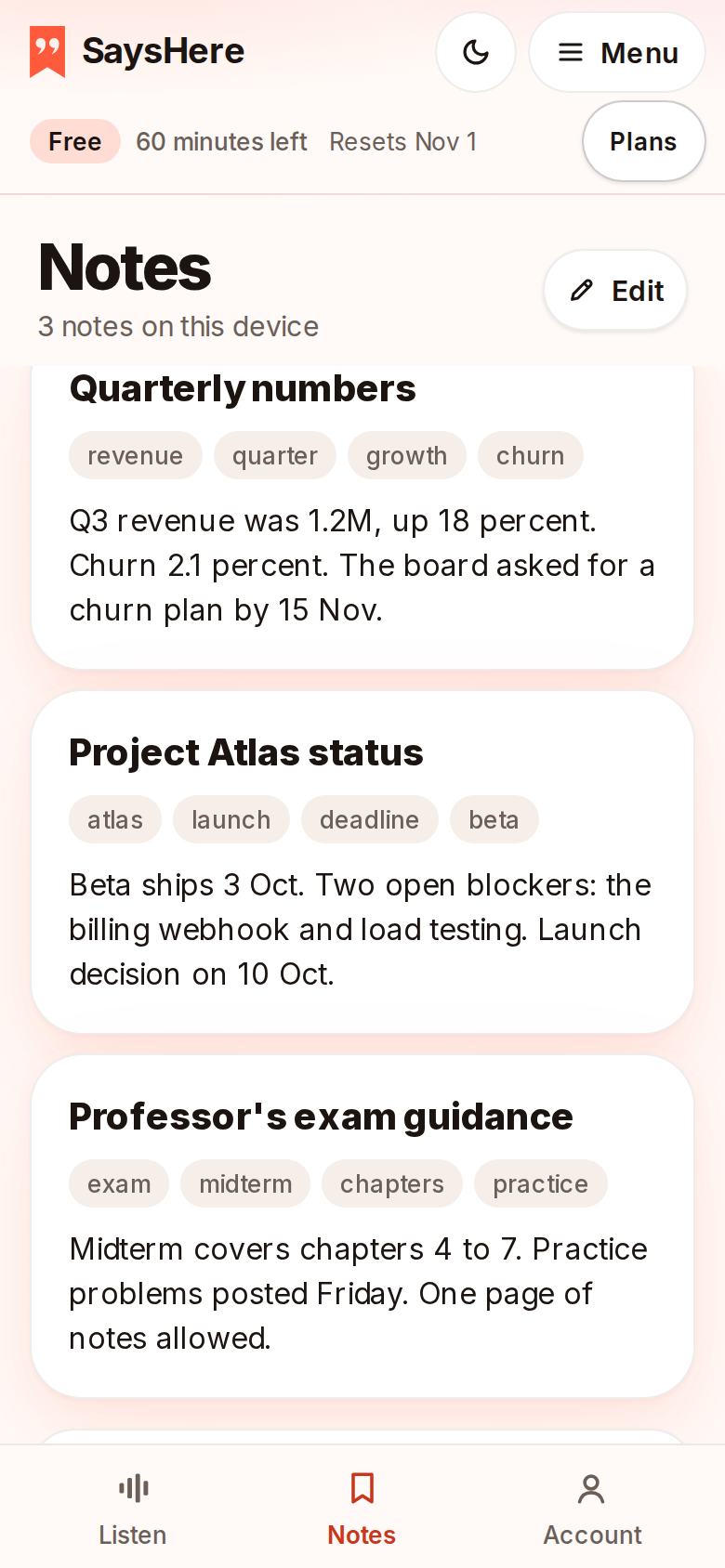
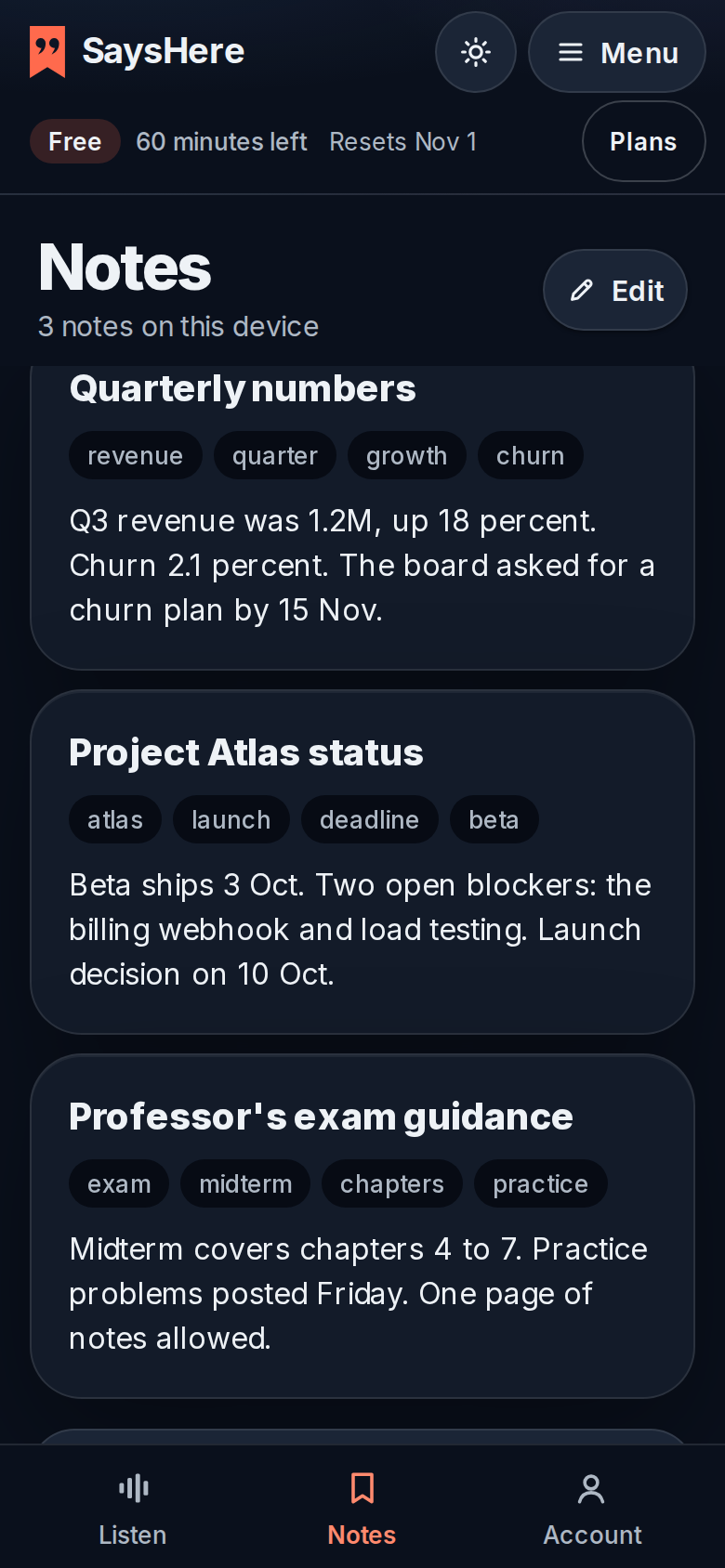
Open SaysHere
Sign in at sayshere.com. On the Notes page, paste or write the notes you want to search while you listen. Your notes are saved on your device.
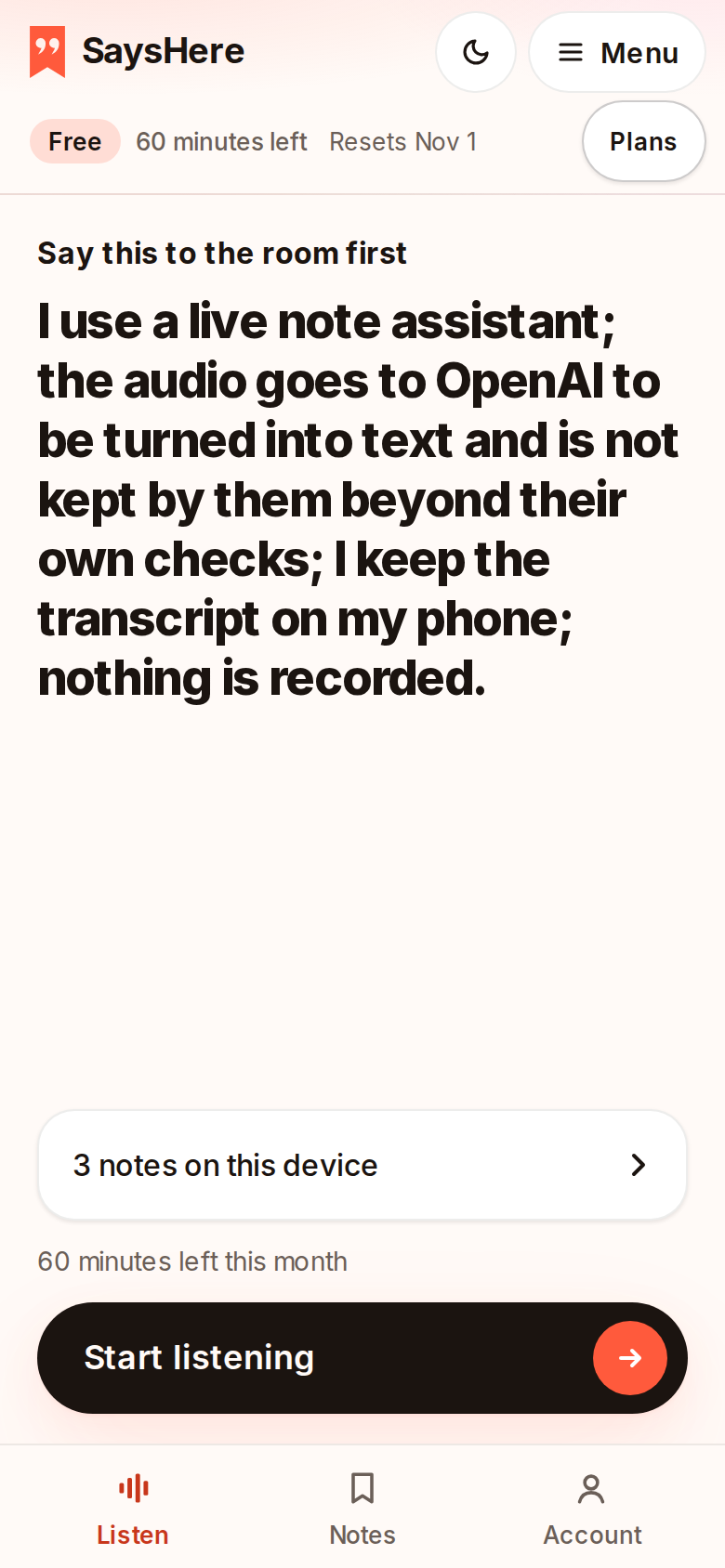
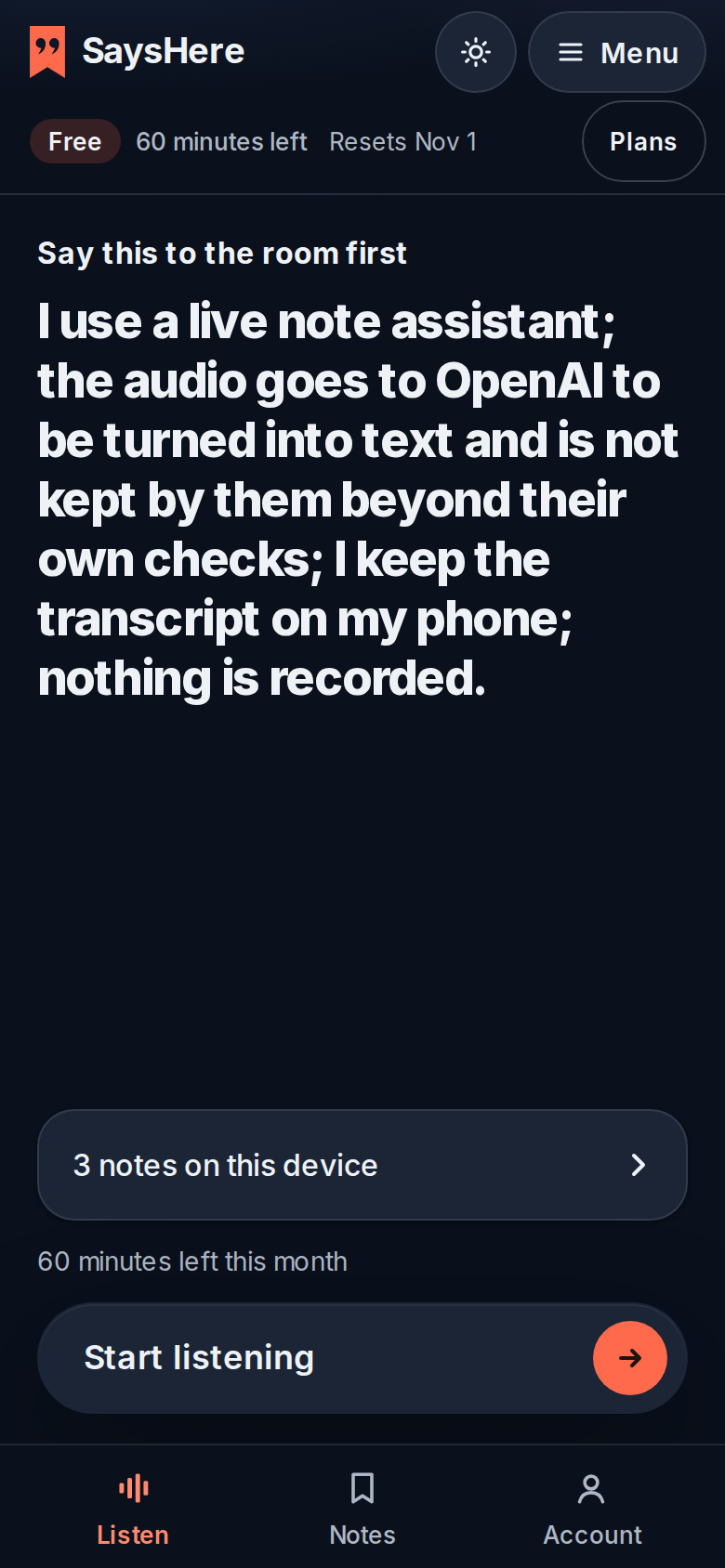
Press Start once
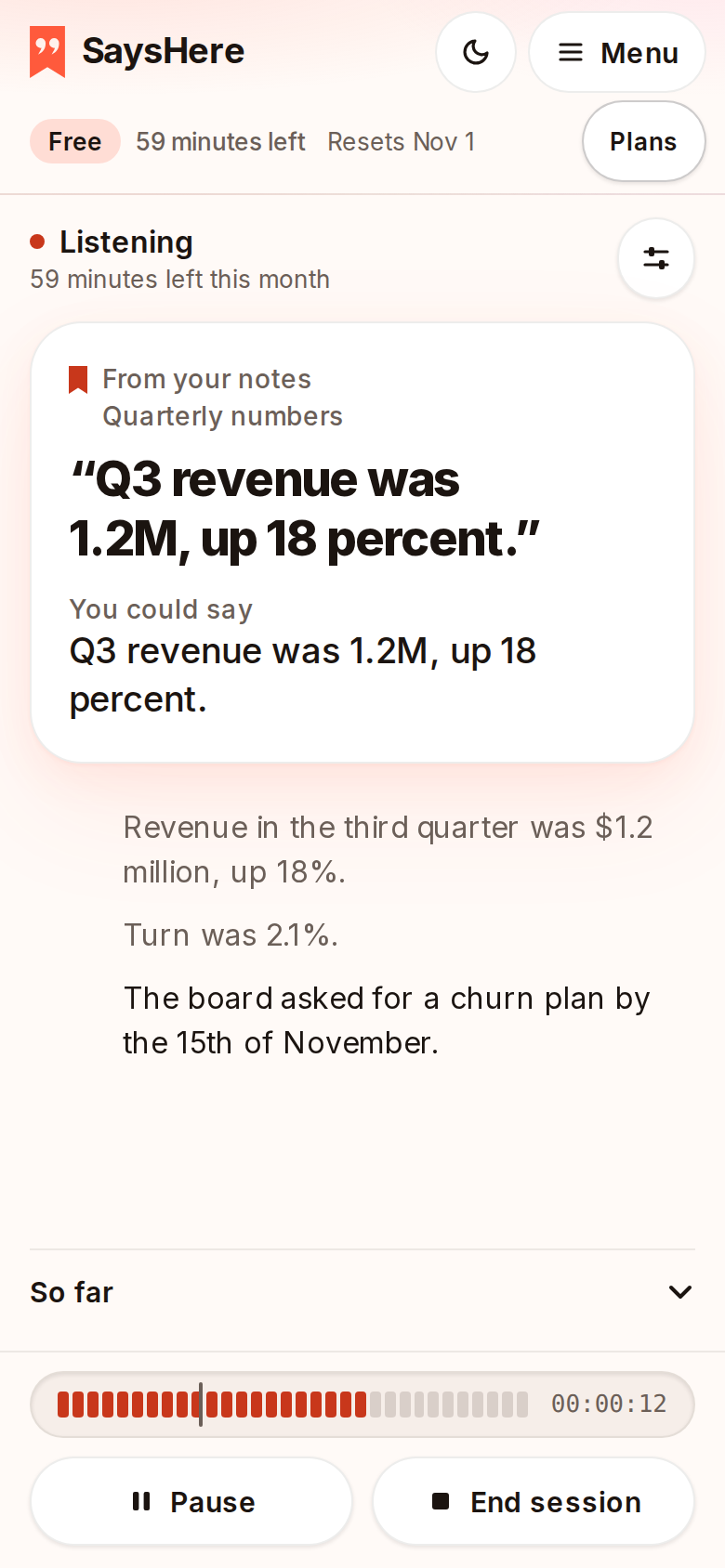
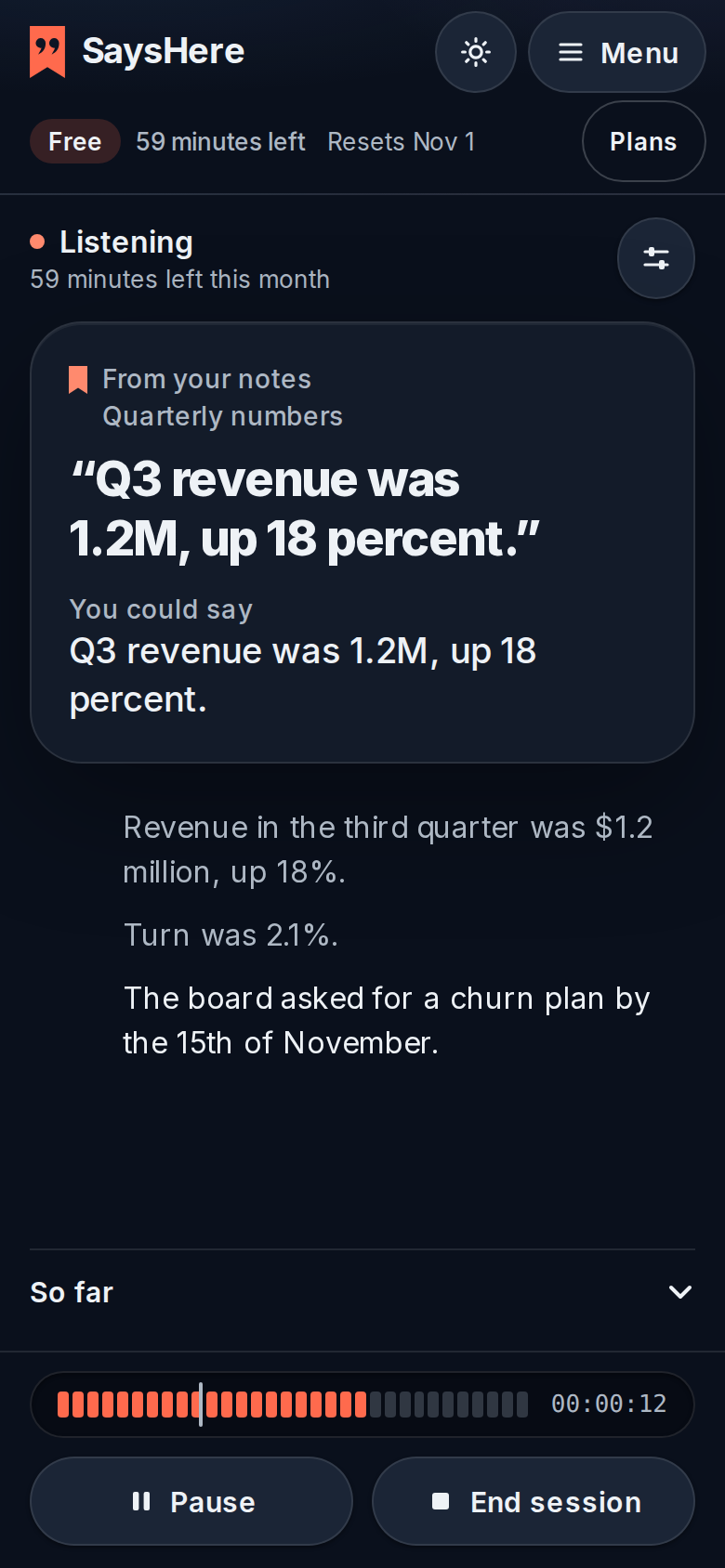
The page shows a line that tells the room it is listening. Say it, then press Start. The page asks for the microphone, keeps the screen on and follows the talk by itself.
It listens and transcribes
What is said appears on your screen as a live transcript. When the session ends, save it as a text file.
SaysHere never records audio
Your audio passes through SaysHere's server on its way to the service that turns it into text. Our server holds it in memory and never records it. Our server keeps a transcript only for a session you choose to keep before you press Start.
- Your email address
- Your plan
- How many minutes you've used
- A session's transcript and the notes made from it, when you chose to keep it
During a session, your notes stay on your device. Read the privacy page
Plans by the hour
Every plan has the live view. Plans differ in how many hours you can listen and how many questions you get each month, and in how much of your Gmail you can search.
Free
$0
No payment needed
2 hours a month
Enough for two one-hour lectures.
Plus
$14 a month
or $140 a year
15 hours a month
About three and a half hours a week.
Pro
$24 a month
or $240 a year
30 hours a month
About seven hours a week.
Questions
What happens to the audio?
It passes through SaysHere's server to the service that turns it into text. SaysHere holds it in memory only and never records it. Every speech-to-text service we use is independently audited for security, works for us under business terms and doesn't train on your audio. The privacy page names each one.
Does it work on a phone?
Yes. It is built for the phone first: open sayshere.com, sign in and press Start, and the page keeps the screen on and follows the talk by itself. It also runs in a laptop's browser.
Is it open yet?
Yes. Try it for five minutes without an account, or create a free account and press Start. Fact-checking against public sources is open too: sign in and turn it on at Start. It can check a fact someone states, such as a date or who holds an office, against English Wikipedia.
Can it join a meeting or transcribe a recording?
Yes. Paste a Google Meet or Microsoft Teams link in the app, and SaysHere sends one of your meeting bots into the call. In Microsoft Teams it joins under the name its settings give it, with SaysHere in it, and in Google Meet as a SaysHere account. It posts a notice in the chat before it listens, and anyone in the call can type SaysHere stop to make it leave and delete everything it took. SaysHere also takes notes in Zoom meetings, where nothing joins the call. Your own Zoom account shares the sound, and Zoom tells everyone that the meeting's content is being sent to an app. Without a bot, SaysHere listens through your device's microphone, and in Chrome or Edge on a computer it can hear a meeting in another browser tab. It does not take uploaded audio or video, and the transcript does not label who is speaking.
Can I cancel?
Yes, any time, from your account page. You keep your hours until the end of the period you've paid for, and you won't be charged again. If you can't sign in, email team@sayshere.com from your billing address and we'll cancel it for you.
Which browsers does it work in?
On a phone, Safari on an iPhone with iOS 17 or later, or Chrome on Android. Keep the page open with the screen on, since locking an iPhone or switching apps can pause listening. As an app on an iPhone's home screen, it needs iOS 18.4 or later to keep the screen on. On a laptop, it runs in the browser.
What about notes and a summary?
We're rebuilding them. Today a session gives you a live transcript. You can save it as a text file.
Bring it to your next lecture or call
Start transcribing freeThe notetaker is open: two free hours a month, no payment needed.